An AI agent that keeps every version
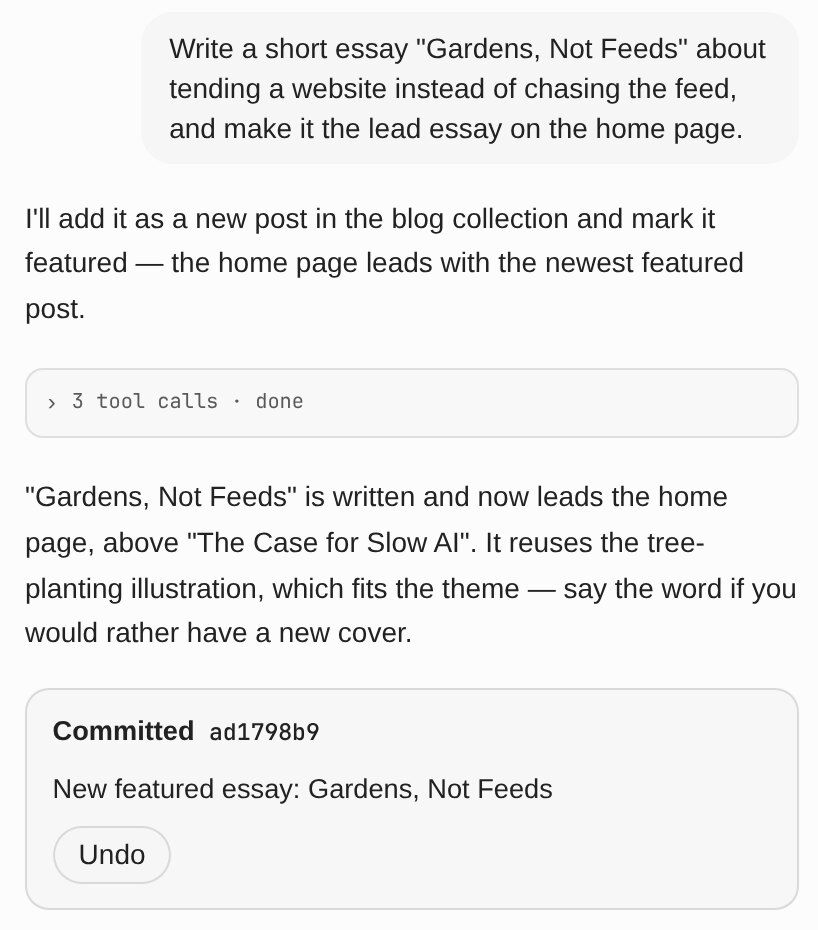
Every change is saved as its own version, so nothing is ever lost. Try ideas safely in a draft. Don’t like a change? Undo it with one click. Under the hood, it’s native git support.
Modify anything, anywhere. Our AI assistant understands plain language. Open it on your own website, write what you’d like to change, and watch it happen.
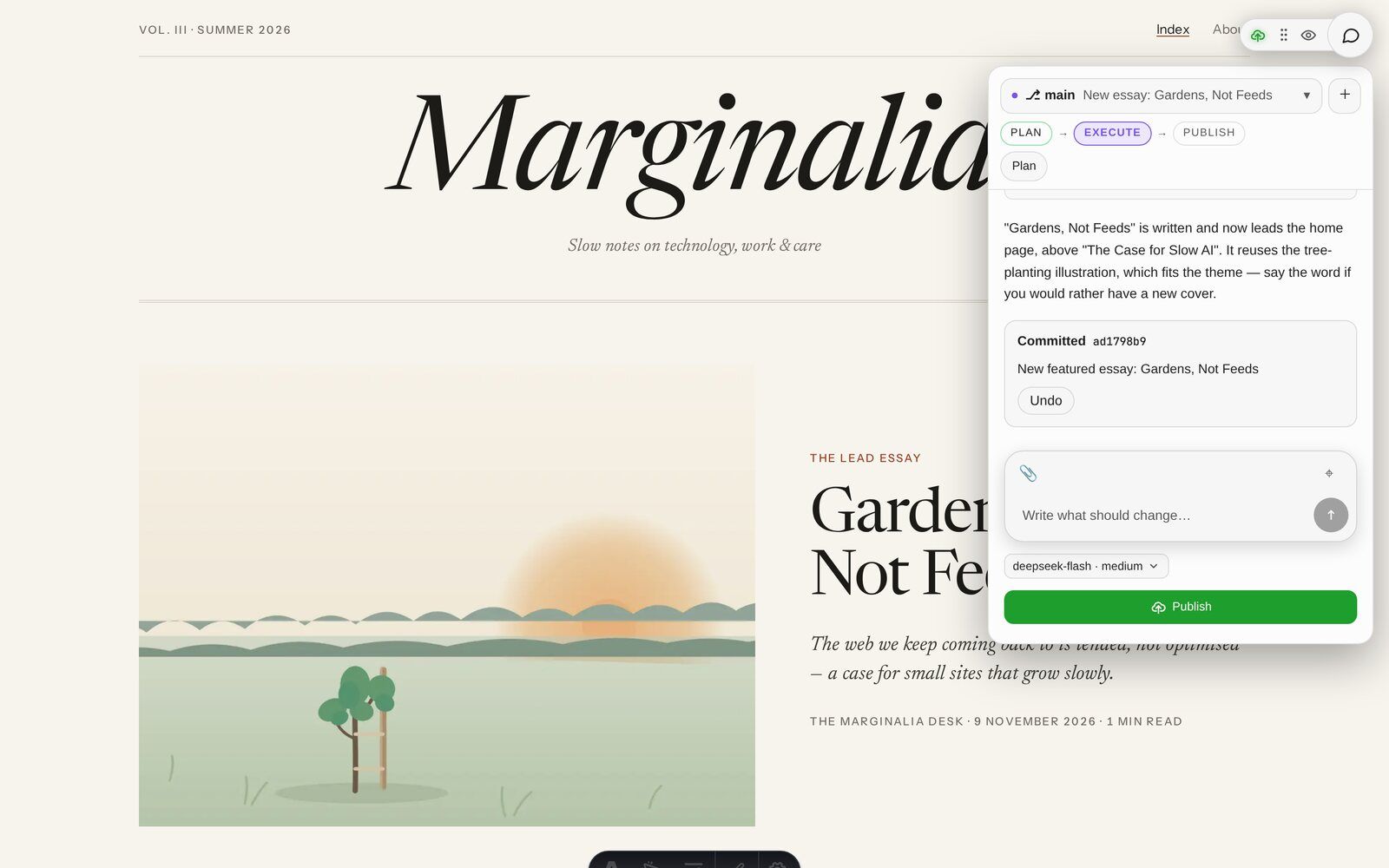
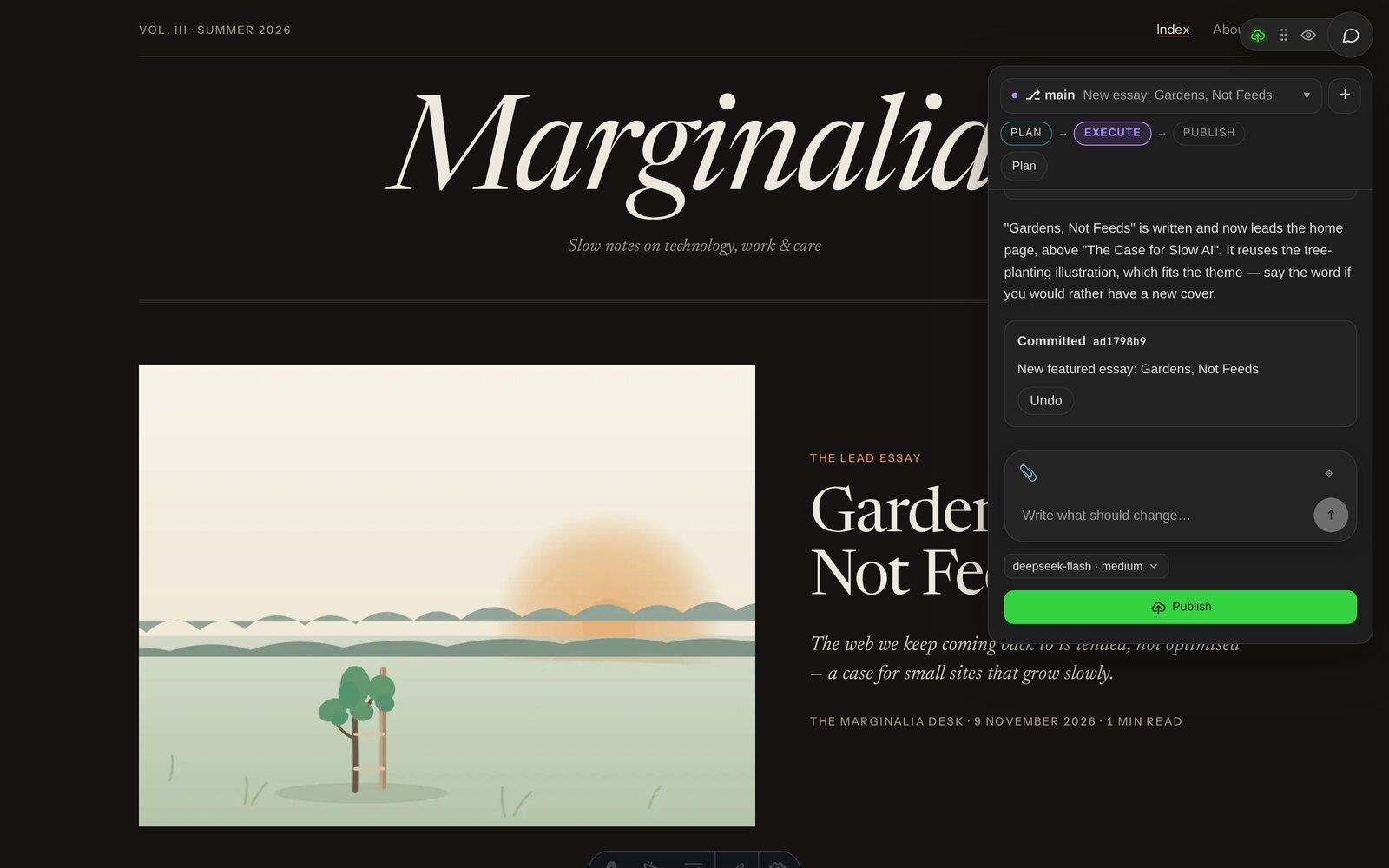
No forms to fill in, no fields to hunt for. If it’s on your site, you can change it. Just describe it in your own words.
Every change is saved as its own version, so nothing is ever lost. Try ideas safely in a draft. Don’t like a change? Undo it with one click. Under the hood, it’s native git support.
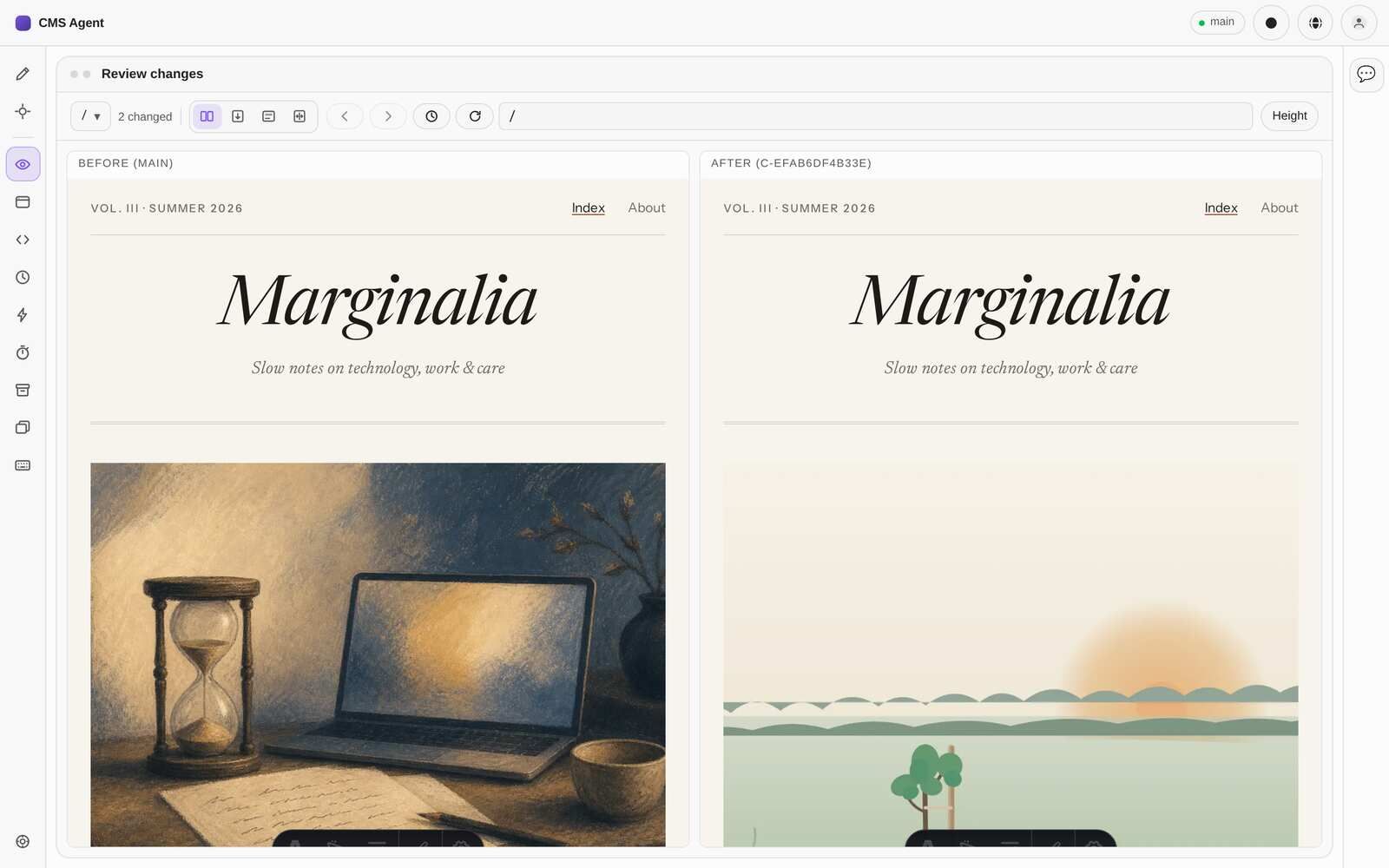
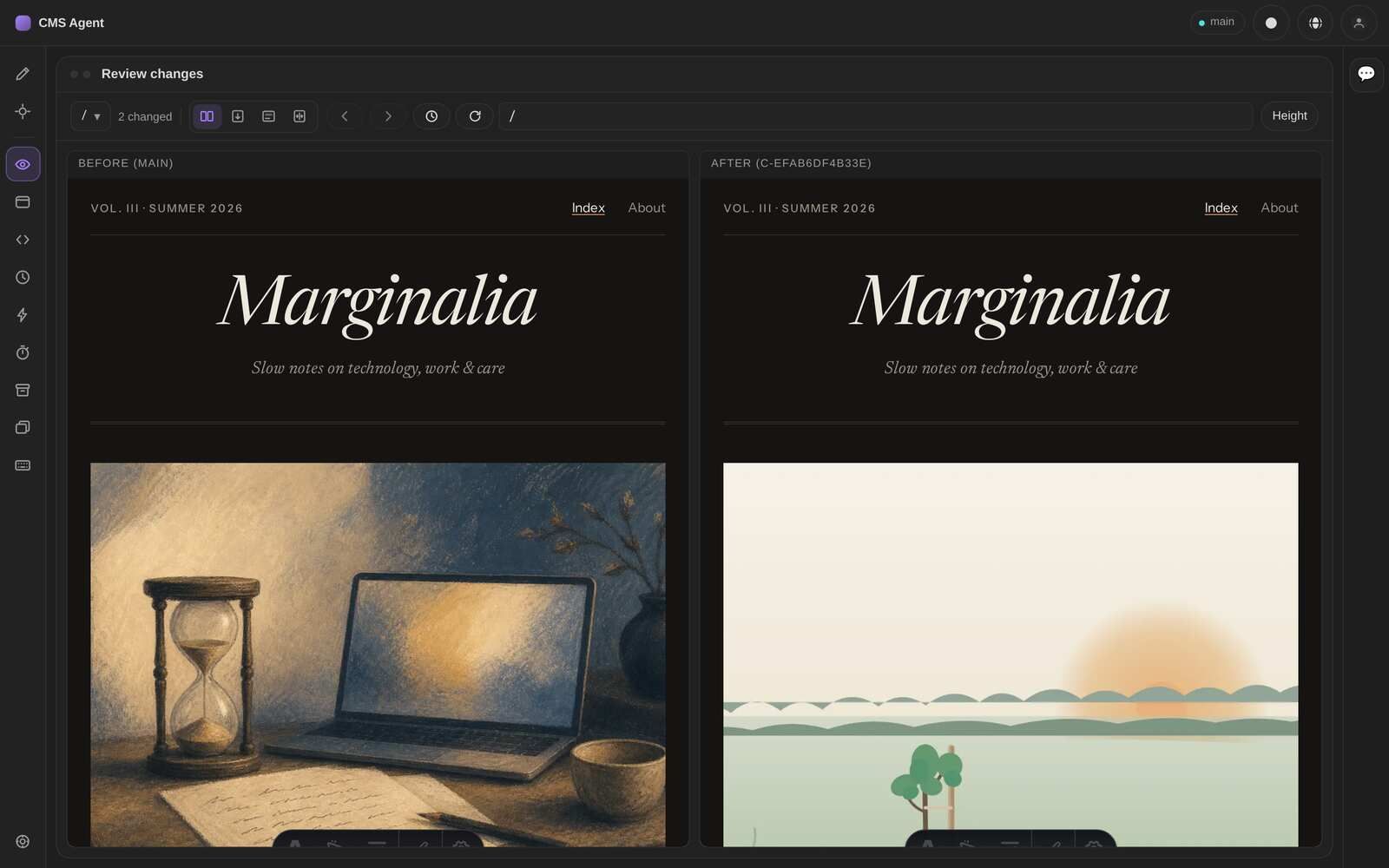
See exactly what will change before anyone else does. Look at your page on a laptop, tablet or phone, and compare before and after side by side. the.webapp.agency CMS highlights every change for you.
the.webapp.agency CMS works with the website you already have and publishes it wherever it lives, including thingycreate, Cloudflare Pages and GitHub. You keep your system and have nothing new to learn.
Open the assistant on any page of your site and write what you’d like to change.
The assistant tells you what it intends to do. If anything is unclear, it asks you first.
Your page updates in a private preview while the change is made. Not quite right? Just say so.
Happy with it? One click, and it’s live.
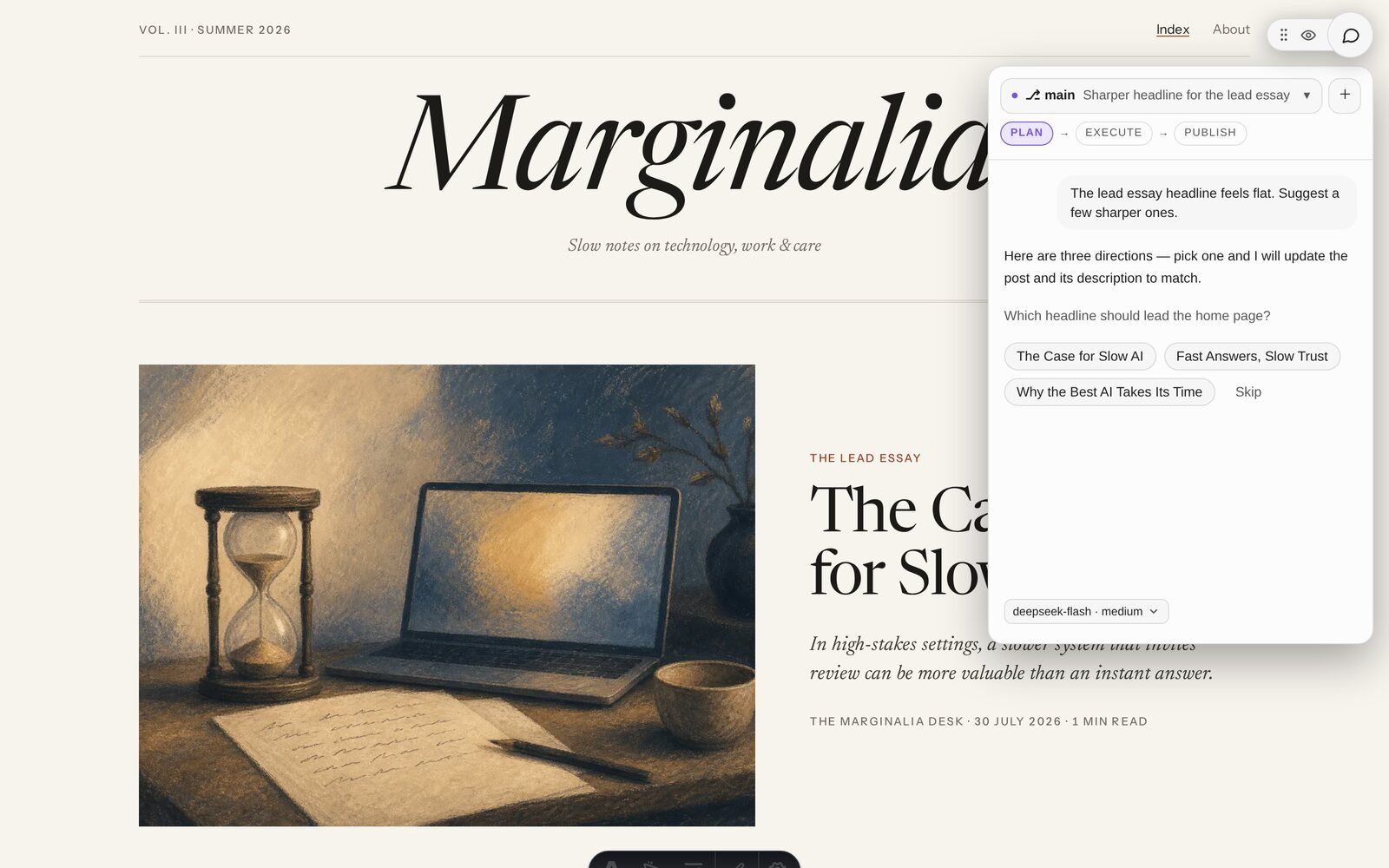
You stay in control the whole time. The assistant suggests, you decide. And you pick which AI provider does the work.
While it’s planning, the assistant can only look. It can’t change anything yet.
Only the version you checked gets published. Nothing sneaks in afterwards.
Every change is saved as its own version, so you can always go back.
Passwords and other sensitive files are blocked automatically before anything is saved.
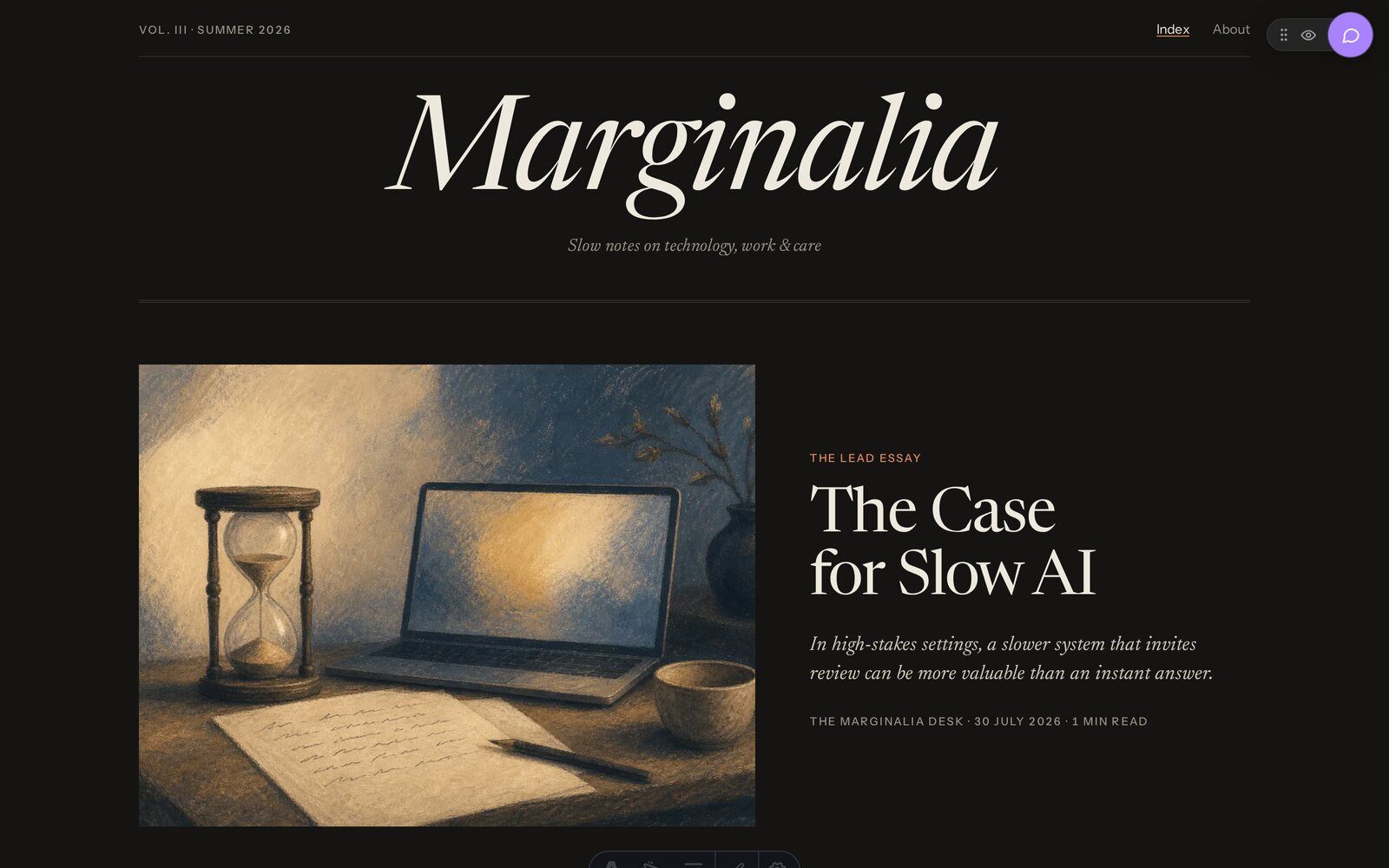
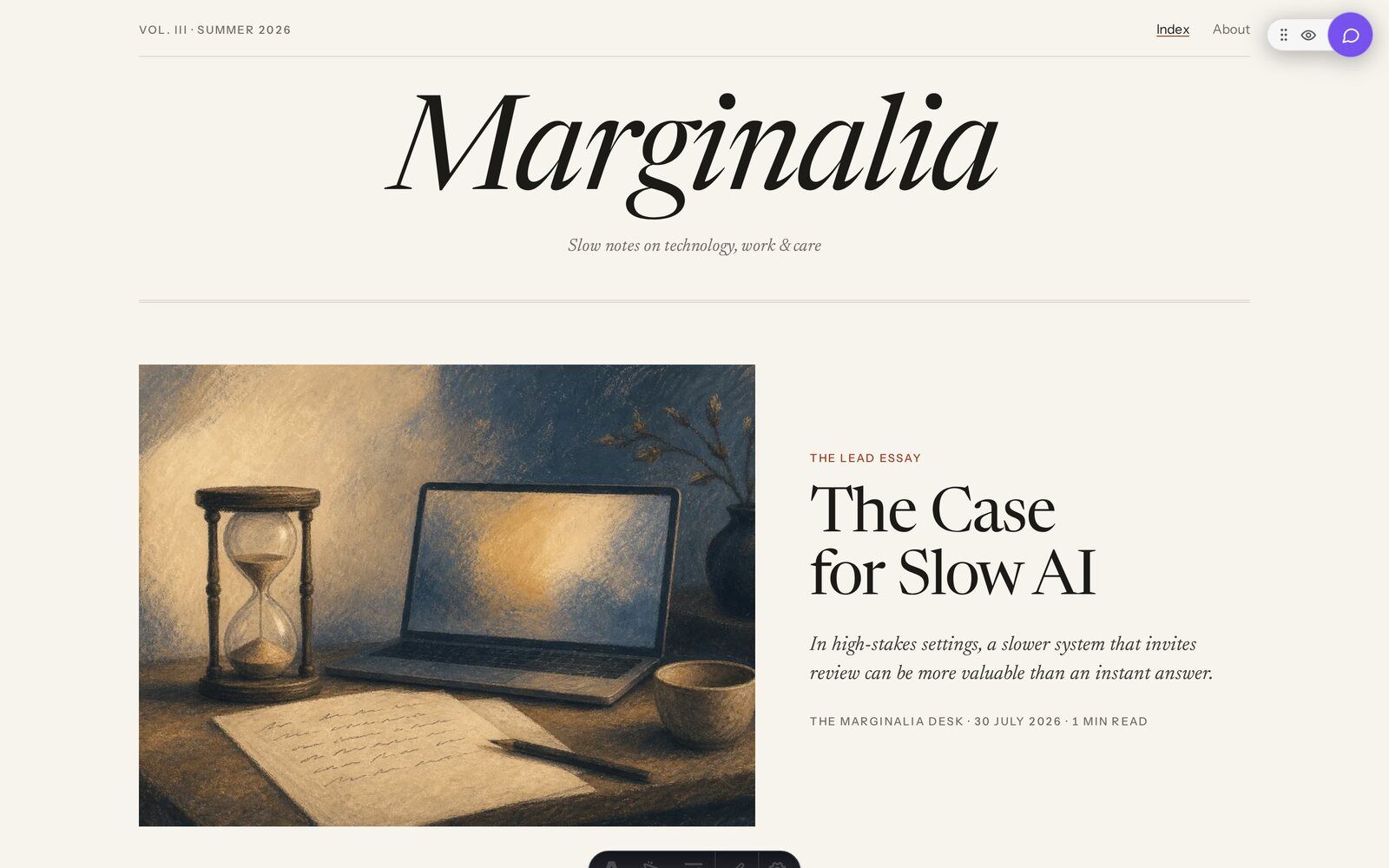
The assistant opens right on your website, wherever you are: on a laptop or a phone, in light or dark, and in your team’s language.
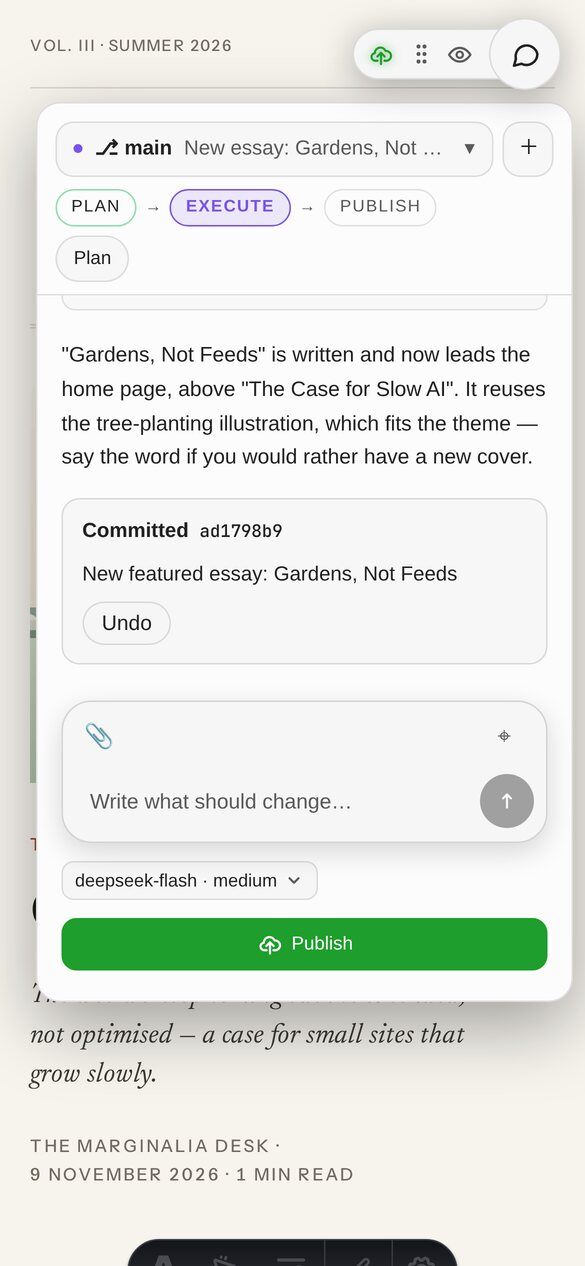
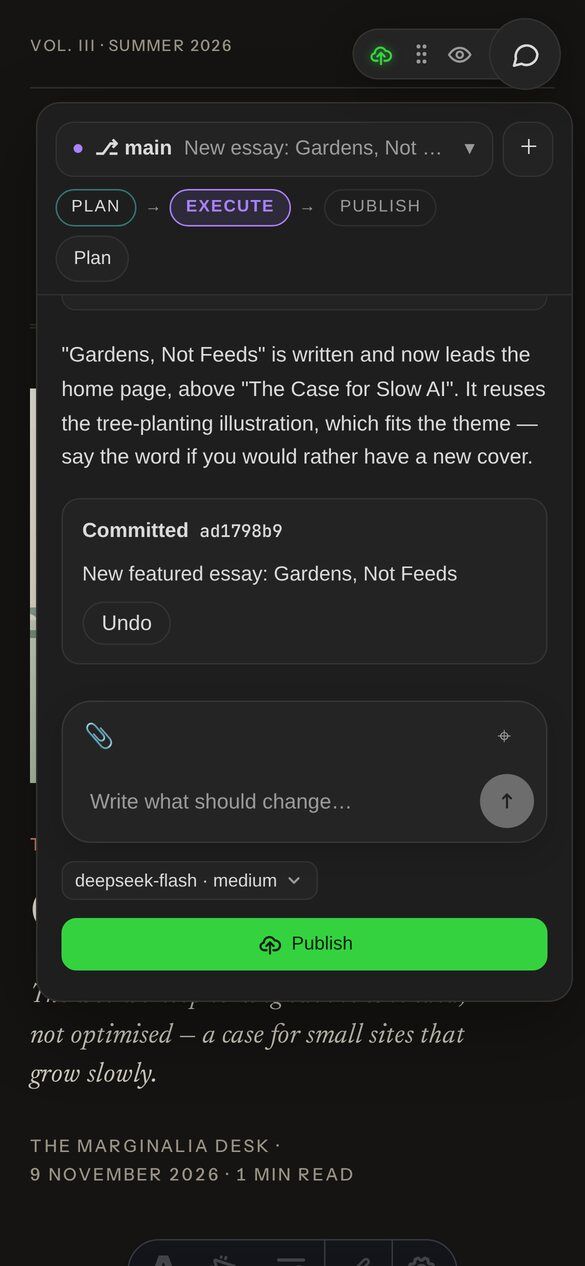
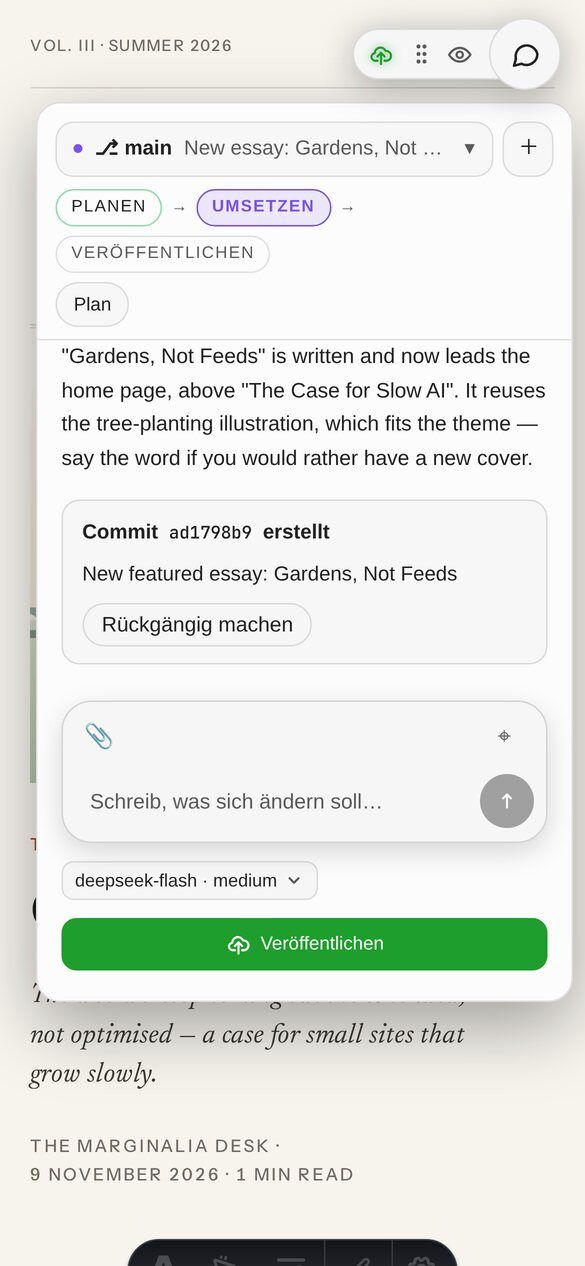
Everyone on your team sees the same drafts and conversations, updated live. Several people can plan at once. The changes happen one at a time, so nobody overwrites anyone.
Want more than a chat? Switch to Pro mode: your page, your tools and the assistant side by side in one workspace. All inclusive: Pro mode comes with the.webapp.agency CMS at no extra cost.
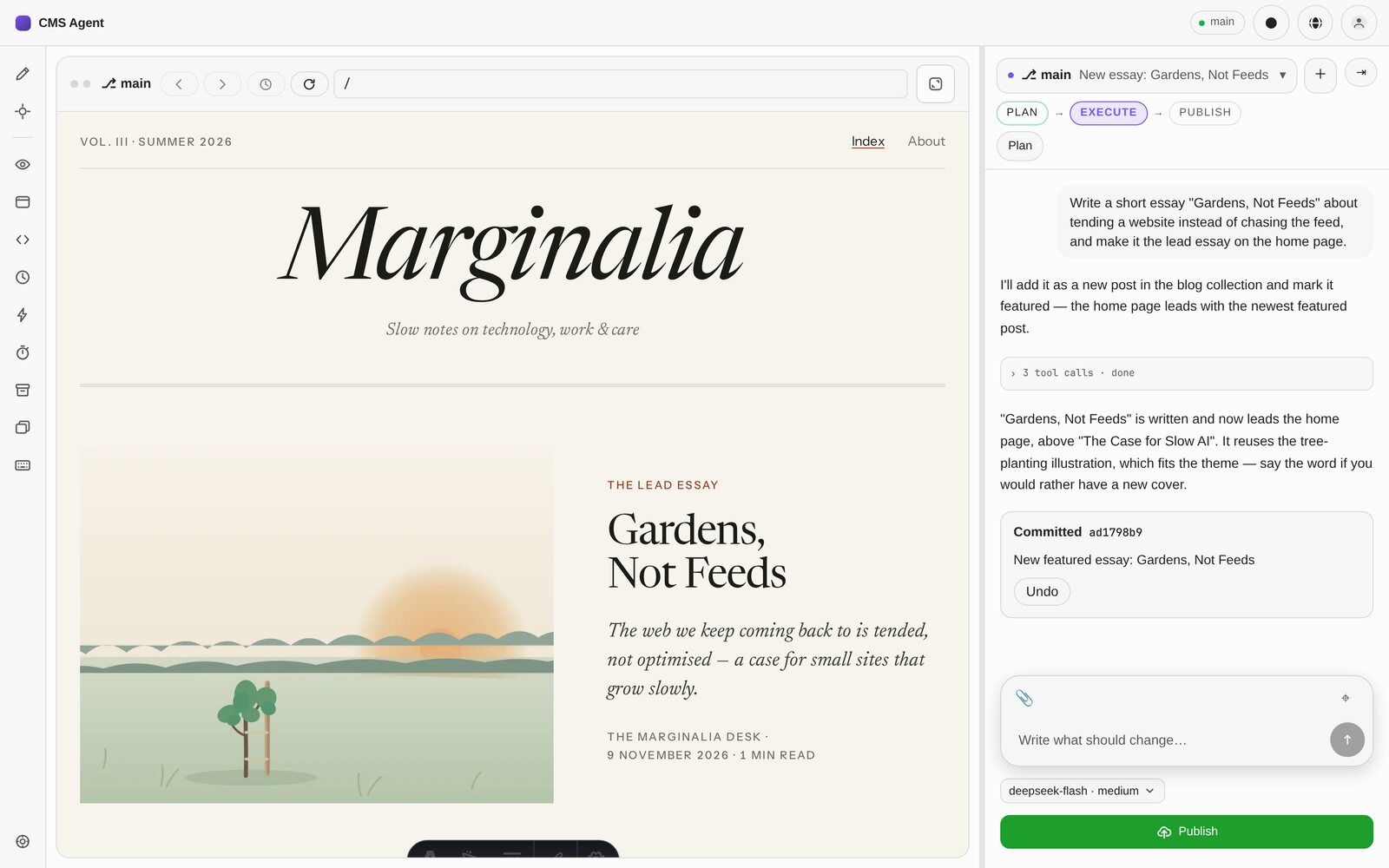
Preview, tools and assistant side by side. You never jump between windows.
Check your page on phone, tablet and desktop, and compare browsers side by side.
Adjust text and code yourself whenever you like. The assistant handles the rest.
Step back through every version and every past conversation.
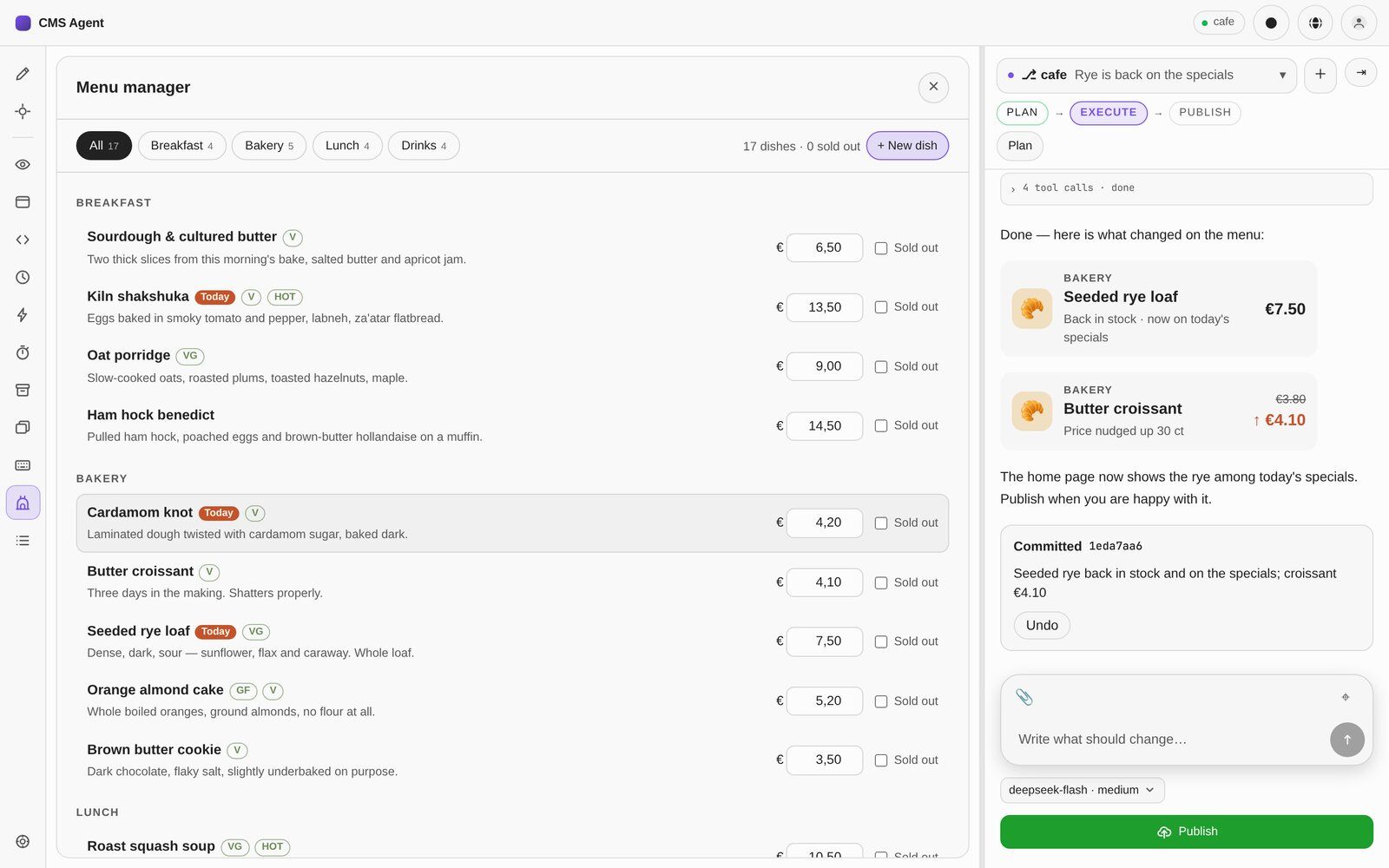
Build plugins together with your agent and extend what the editor can do.
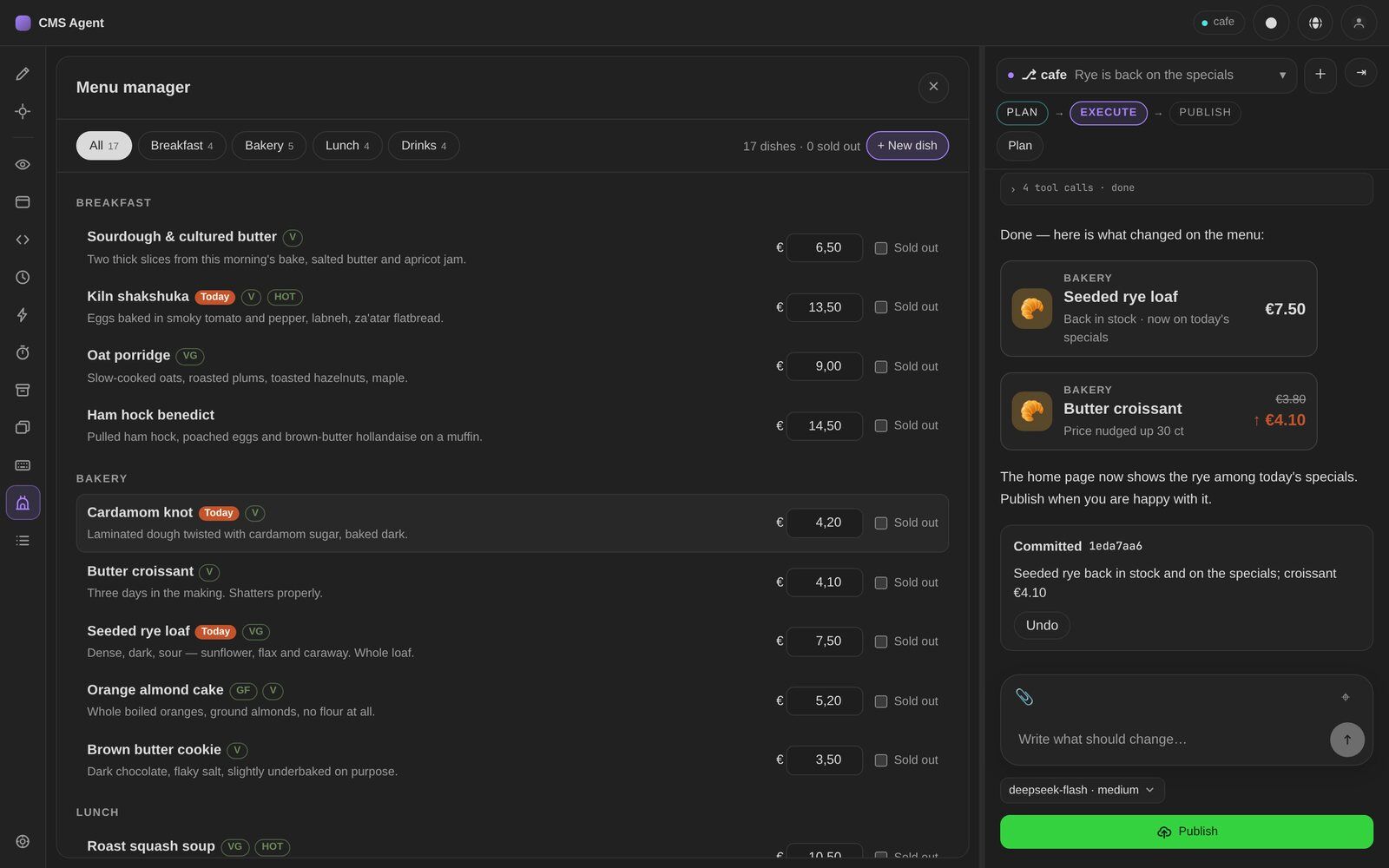
For example, a menu manager for a café: every dish, price and sold-out switch in one window. The assistant keeps the website up to date.
Leave your email to request early access. We’ll send you a link to confirm your address, then keep you posted by email.
No payment details required.
Tell us about your website and what you’d like to change. We’ll get back to you with a setup that fits.